Lead in
Proposal against a budget
A new lead gets a written quote — a menu of vendor options against a target spend.

Coming soon Food, Hospitality & Events
Turn a lead into a project with a milestone plan, bill the client at each milestone, and keep every vendor advance paid on the client's behalf as money still owed back, not a lost expense.
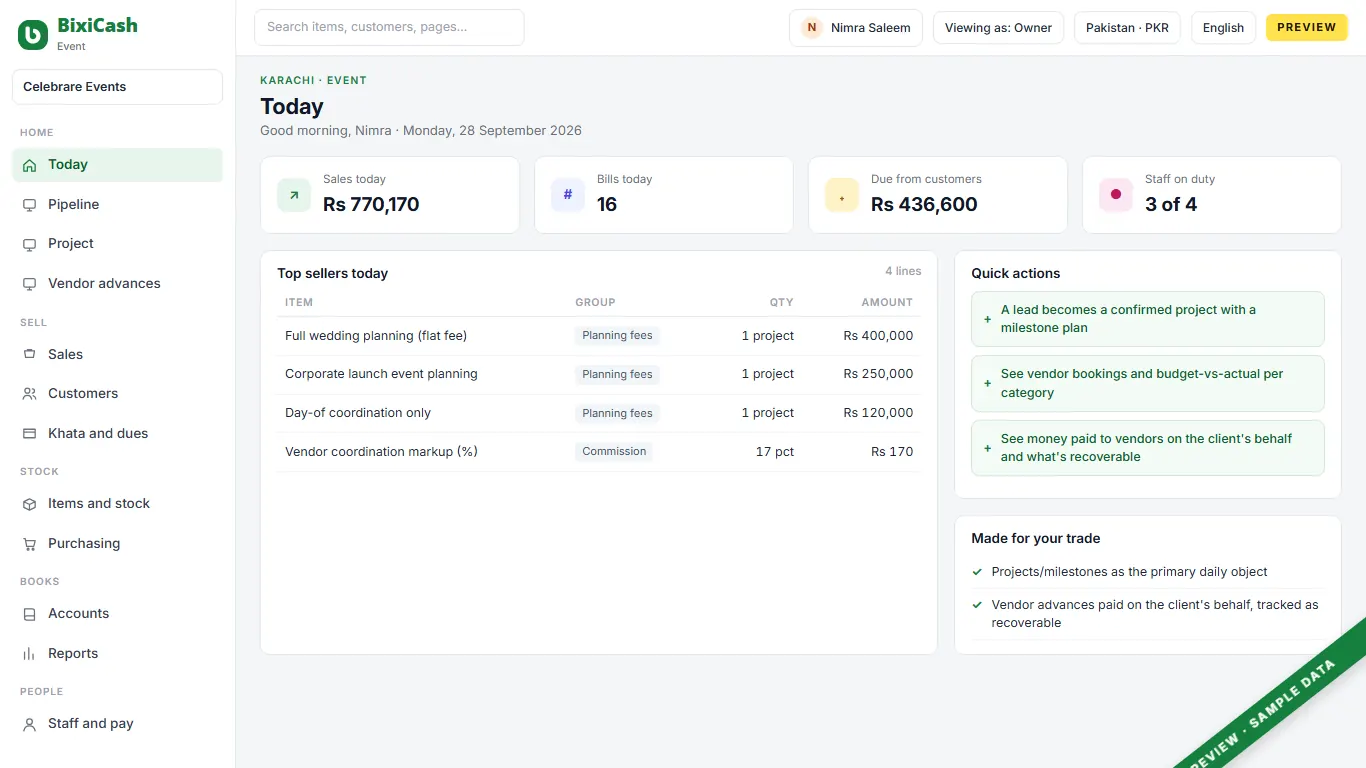
A working day
Lead in
A new lead gets a written quote — a menu of vendor options against a target spend.
Confirmation
The client confirms, and a milestone plan is created: contract, vendor deposits, final walkthrough, event day, closeout.
Ongoing
Vendor bookings are made and tracked against the plan, with budget-versus-actual watched per category.
Event day
On-site coordination happens largely off-screen; the status board showing which milestones are done is the one thing that matters that day.
Post-event
Budget is reconciled against actual per vendor category, and the client's final invoice or refund of any unspent advance is issued.
What goes wrong today
Money paid to a vendor on the client's behalf is booked as an ordinary cost instead of something still owed back.
Budget-versus-actual per vendor category is usually only known once the event is already over.
A client who adds guests or services after the budget is fixed has no simple change order to invoice against.
Vendor bookings, payments and client billing are tracked across separate spreadsheets and a notebook instead of one project view.
What it does
Parts marked Coming soon are on the way; founding shops get them first, at no extra charge.
A project's milestone invoices and the client's running balance are tracked as one open account, not separate one-off sales.
A milestone invoice or vendor confirmation can be pre-filled into a WhatsApp message with one click.
A project with a milestone plan will become the primary daily screen here, replacing a till entirely.
Money paid to a vendor on the client's behalf will post to its own recoverable-asset account, not an ordinary expense, until it's billed back or netted off.
A small on-site relay hub will keep the office's live project view reachable during a site visit, even through an outage.
Who uses it
Owner/lead planner
one screen showing every vendor booked, what has been paid and what has been billed
Coordinator
vendor bookings and their payment status tracked against the plan, not across three spreadsheets
Finance/admin
to know what has been advanced to a vendor on the client's behalf and what is still recoverable
Behind the counter
The screens for your trade sit on a full set of books. These parts come with it.
Double-entry books, statements, period close.
Orders, supplier bills and what you owe.
One staff register, attendance, pay runs.
The numbers an owner asks for each morning.
On the counter
Bought together with the software: one delivery, one bill, set up to work.
The price
Introductory price. Local taxes are added where they apply. A second shop costs the same as the first. Prices for countries without their own page, in USD, as of 28 Sep 2026.
The first 50 shops in each country get free setup and data import with a yearly plan, and today's price locked for two years.
Claim a placeStraight answers
Not yet. Posting it to its own recoverable-asset account, rather than an ordinary expense, is a planned build.
Milestone billing against one client account already fits the product's existing invoicing and ageing; a dedicated project/milestone screen is planned.
Planned. Projects and milestones as the primary daily object, for a business with almost no owned stock, is on the roadmap.
Not yet. A small on-site relay hub for the office is planned.
Generally no. This is a services business with next to no owned inventory and rarely a till of its own.
Twenty minutes on a call. We show your day on the screen, with your words and your stock.