Morning
Documents come in
A client sends bank statements, invoices and receipts, often as WhatsApp photos. A clerk opens the client's engagement and starts entering them.

Coming soon Professional & Creative Services
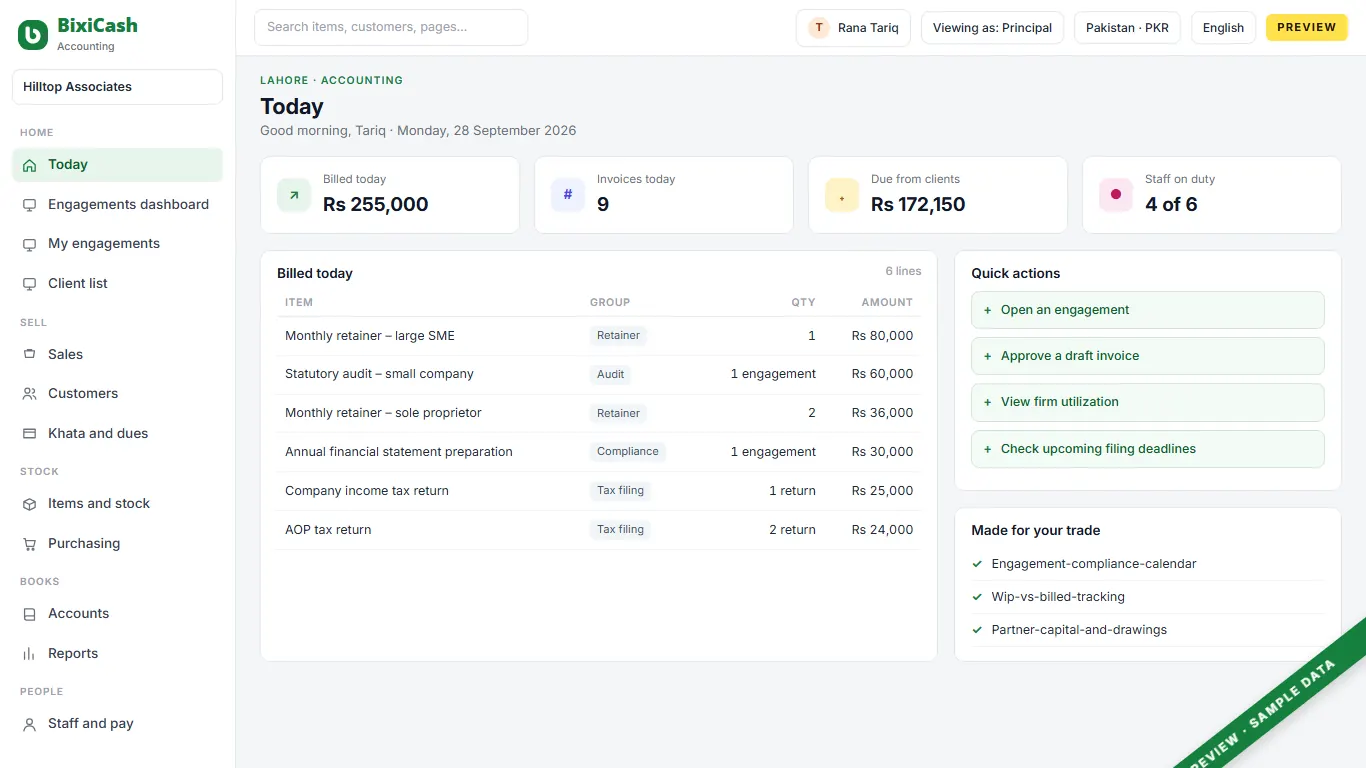
For a small practice running monthly retainers, audits and tax filings: one place to log time against an engagement, bill a retainer, and see who is overdue, instead of three spreadsheets.
A working day
Morning
A client sends bank statements, invoices and receipts, often as WhatsApp photos. A clerk opens the client's engagement and starts entering them.
Through the day
Every task, from vouching a bank statement to drafting a return, is logged against the client's engagement, not left to memory at month end.
Afternoon
A missing invoice or an unclear payment goes back as a query; the senior reviews finished work before it is billed.
Month end
The month's logged time rolls into one retainer invoice per client, and the partner checks which engagements ran over budget before it goes out.
Mid-month
The firm's own sales-tax-on-services and withholding statements go in on the same compliance calendar as its clients' deadlines.
What goes wrong today
Hours and costs sit against a client for weeks before anyone turns them into an invoice.
A client falls behind on a monthly retainer and nobody notices until someone runs an ageing report by hand.
A client's statements and receipts turn up months behind, and what to charge for catching them up is unclear.
Hours logged, the retainer balance and the next filing deadline live in three different places, not one screen.
What it does
Parts marked Coming soon are on the way; founding shops get them first, at no extra charge.
Planned: a monthly retainer, an audit and a tax filing are each an engagement with its own staff, budget and statutory deadline, not a note in a spreadsheet.
Planned: hours and costs logged against an engagement show as work in progress until they are billed, so a fixed-fee audit shows over budget before it's finished, not after.
Every client's invoices, receipts and ageing are tracked the same way a shop tracks a khata: what they owe, and since when.
Rent, software subscriptions and a subcontracted specialist's bill are tracked as open items, the same engine as a client invoice.
Planned: a firm-wide utilization report, billable hours against available hours, falls out of the same time-logged record as an engagement.
An approval flow like this is already shown in our demo elsewhere. Planned here so a senior's draft can't reach a client before the partner reviews it.
A retainer invoice or an overdue reminder pre-fills a WhatsApp message; a person presses send.
Who uses it
Principal
sees work in progress and overdue retainers across every client before approving a bill.
Senior associate
runs several client engagements at once and drafts the financials or return for review.
Clerk / bookkeeper
enters and reconciles day-to-day transactions for assigned clients, without seeing other clients' fee arrangements.
Admin / receptionist
takes in client documents, runs the invoicing, and chases an overdue balance by WhatsApp.
Behind the counter
The screens for your trade sit on a full set of books. These parts come with it.
Double-entry books, statements, period close.
Cash, bank, cheques and reconciliation.
Orders, supplier bills and what you owe.
Quotations, orders, invoices, delivery notes.
Tax on every line, by your country's rules.
One staff register, attendance, pay runs.
Machines and vehicles, and their wear.
The numbers an owner asks for each morning.
More than one shop, one set of books.
The price
Introductory price. Local taxes are added where they apply. A second shop costs the same as the first. Prices for countries without their own page, in USD, as of 28 Sep 2026.
The first 50 shops in each country get free setup and data import with a yearly plan, and today's price locked for two years.
Claim a placeThis trade does not have its own price line yet. The price shown is our retail line, and we confirm it when we quote.
Straight answers
Planned: an engagement's logged time will roll into one retainer invoice; it isn't built yet.
Planned, as part of the same engagement record; today there is no dedicated engagement or WIP screen in the product.
Yes. Ageing by client is a standard report built on the product's accounts-receivable engine.
That's the intent of role-based access; exactly who sees what per engagement is still being decided.
No. It works the same for a statutory-audit practice or a plain bookkeeping and tax-consultancy firm; only your own professional registration decides what work you're allowed to sign.
Twenty minutes on a call. We show your day on the screen, with your words and your stock.